M47
BMW M47
2.0-litre four-cylinder diesel · 90–120 kW
Supported BMW models, diagnostics, service functions, adapters and connection instructions. Find the right section and open the details when you need them.
BMW M47 and M57 diesel models. Search by model, chassis or engine; the exact ECU profile is checked after connection.
2.0-litre four-cylinder diesel · 90–120 kW
3.0-litre six-cylinder diesel · 145–210 kW
Open a series or search by model, chassis or engine code.
Production dates are a guide: equipment can vary by market and emissions version. RSDiag reads the connected unit and confirms the exact software profile before enabling writing.
DDE606 profiles. Calibration read, write, checksum handling, fault codes and post-write verification.
DDE626 profiles. Software-number and checksum gates are checked before erase, followed by byte-for-byte verification.
Known software profiles: 1037387658 · 1037390198 · 1037500776
Send us the model, year and VIN. We’ll confirm the engine and control unit before you buy. Check my car →
Diagnostics, live data and calibration tools in one application. Available operations depend on the ECU, adapter and license.
Flasher reads, backs up and writes your own files for the licensed VIN. OTS Stages provides compatible ready-made stages for that VIN. Super also includes account-wide Live + Diag Pro.
The ECU software profile and checksum are checked before erase. After writing, the calibration is read back and compared with the file.
Read, explain and clear ordinary fault codes in one control unit or across the vehicle. Basic fault diagnostics are free.
Gauges, graphs, saved channel sets, recording and CSV export. Live + Diag Pro also includes supported extended diagnostics and service functions.
Injector correction values, supported adaptations, actuator tests, battery registration and DPF service procedures. Availability depends on the control unit and adapter.
Diag Pro reads supported information memory and stored VIN/mileage data. These extended functions are separate from free ordinary fault reading and clearing.
Reliable read, write and verify for supported BMW M47 and M57 vehicles over your OBD interface. RSDiag identifies the connected control unit and handles its calibration layout automatically.
Before a single byte is erased, the core checks that the file belongs to the connected unit, that the block is known, and that the checksum is valid. If anything is off, the write stops — before the point of no return.
After flashing, RSDiag reads the calibration back and compares it to what it wrote. You get a clear pass — not a hopeful “done”. Every changed byte is confirmed to have landed.
More than read and write. A checksum engine that recomputes and corrects the descriptor, a backup manager, and clear diagnostics so you always know the state of the unit.
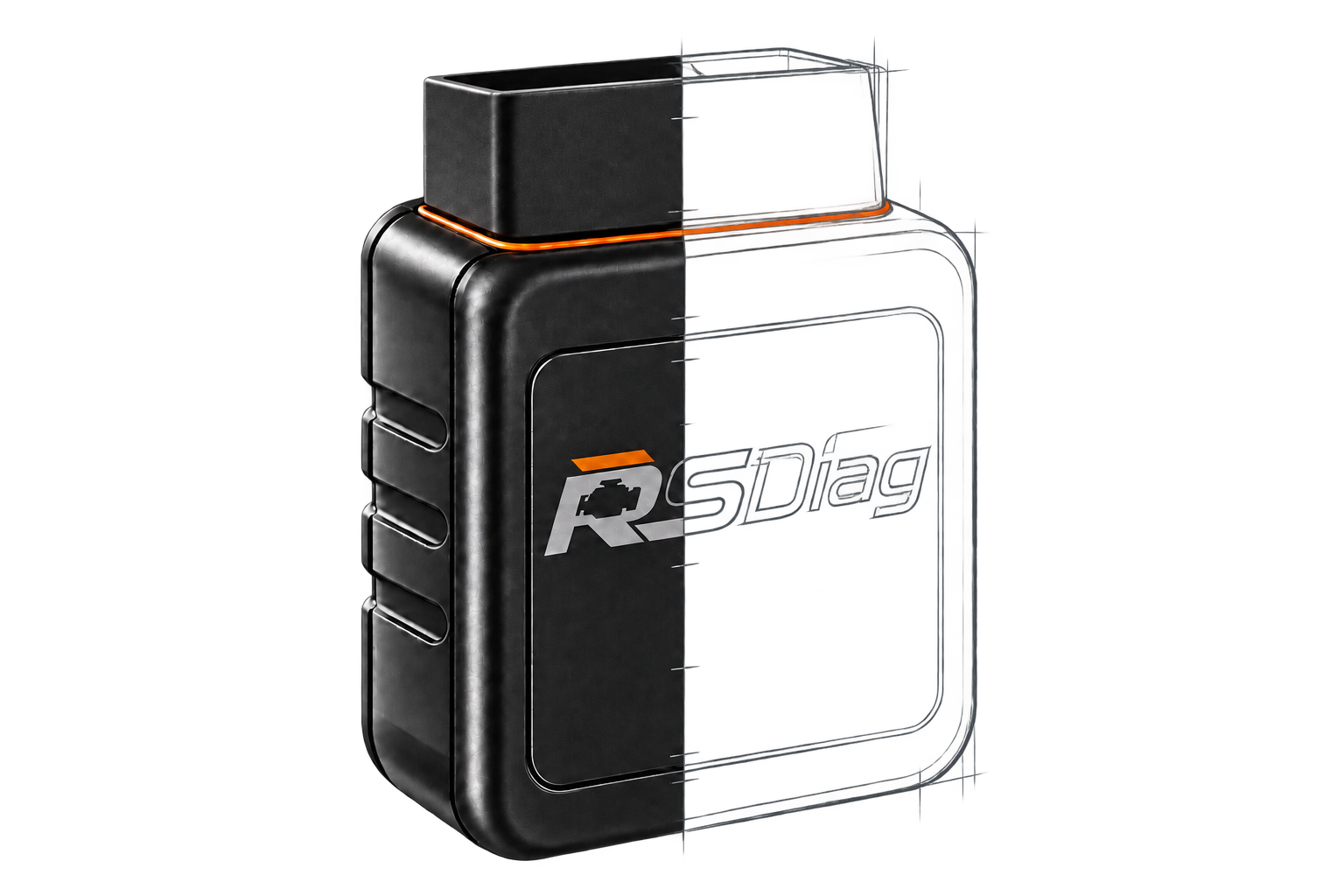
Choose an adapter for your phone and the job: diagnostics, Live or ECU reading and writing.
Reading, writing, diagnostics and Live
All RSDiag functions for supported ECUs over Wi-Fi, without a cable. Use a model with compatible K-line / D-CAN firmware.
These models and other Wi-Fi adapters require compatible binary K-line / D-CAN firmware. Compatibility depends on the model and firmware; ENET-only versions are not supported.
Join the adapter network in phone settings, switch on the ignition and choose Automatic in RSDiag. The standard endpoint is 192.168.4.1:23.
Reading, writing, diagnostics and Live
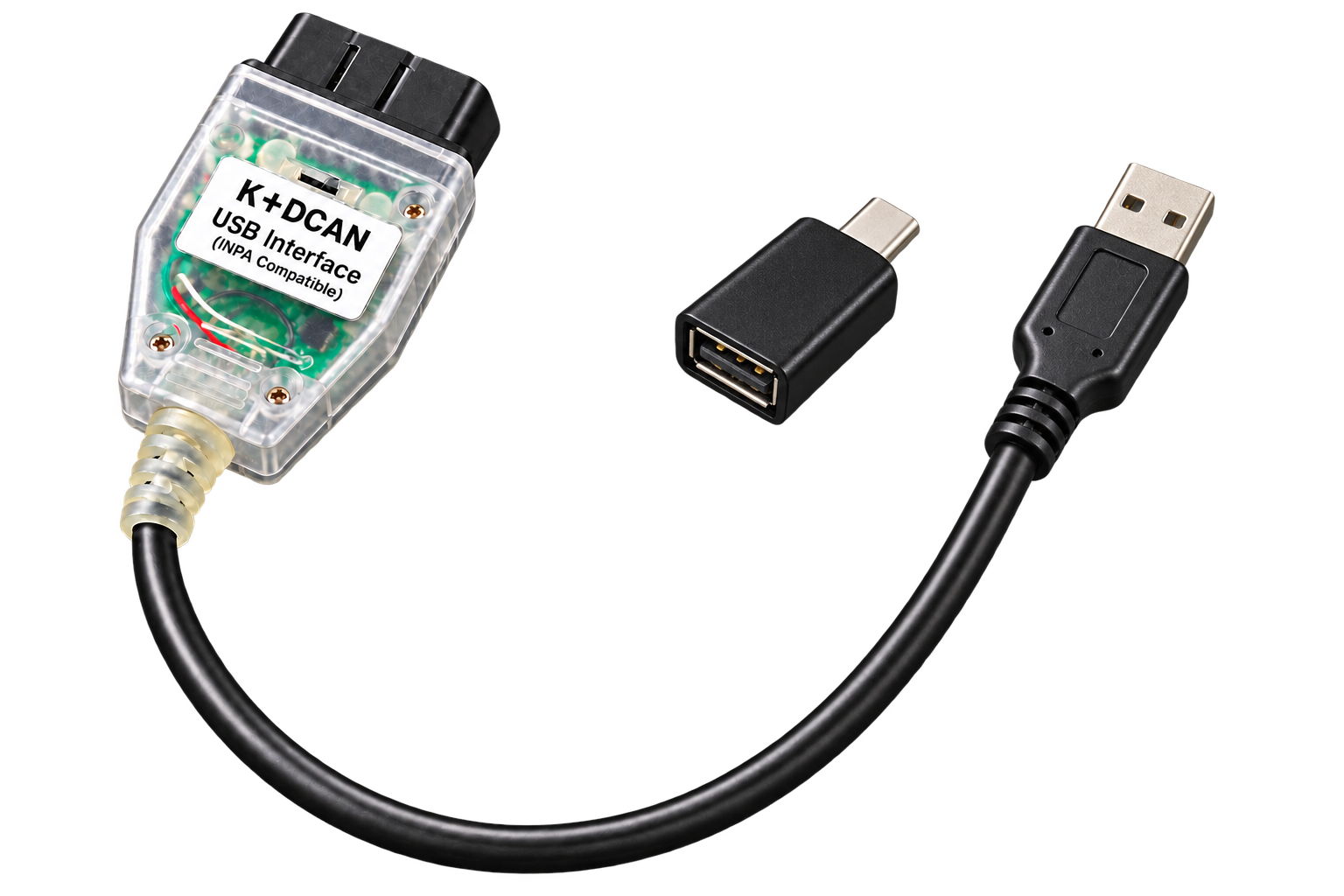
A supported FTDI K+DCAN cable connects through USB OTG. RSDiag detects D-CAN or K-line automatically. USB serial is available on Android.
Connect the cable with a data-capable USB OTG connector. Accept Android’s USB access prompt, then choose Automatic. Access is granted to the attached device.
Reading, writing, diagnostics and Live
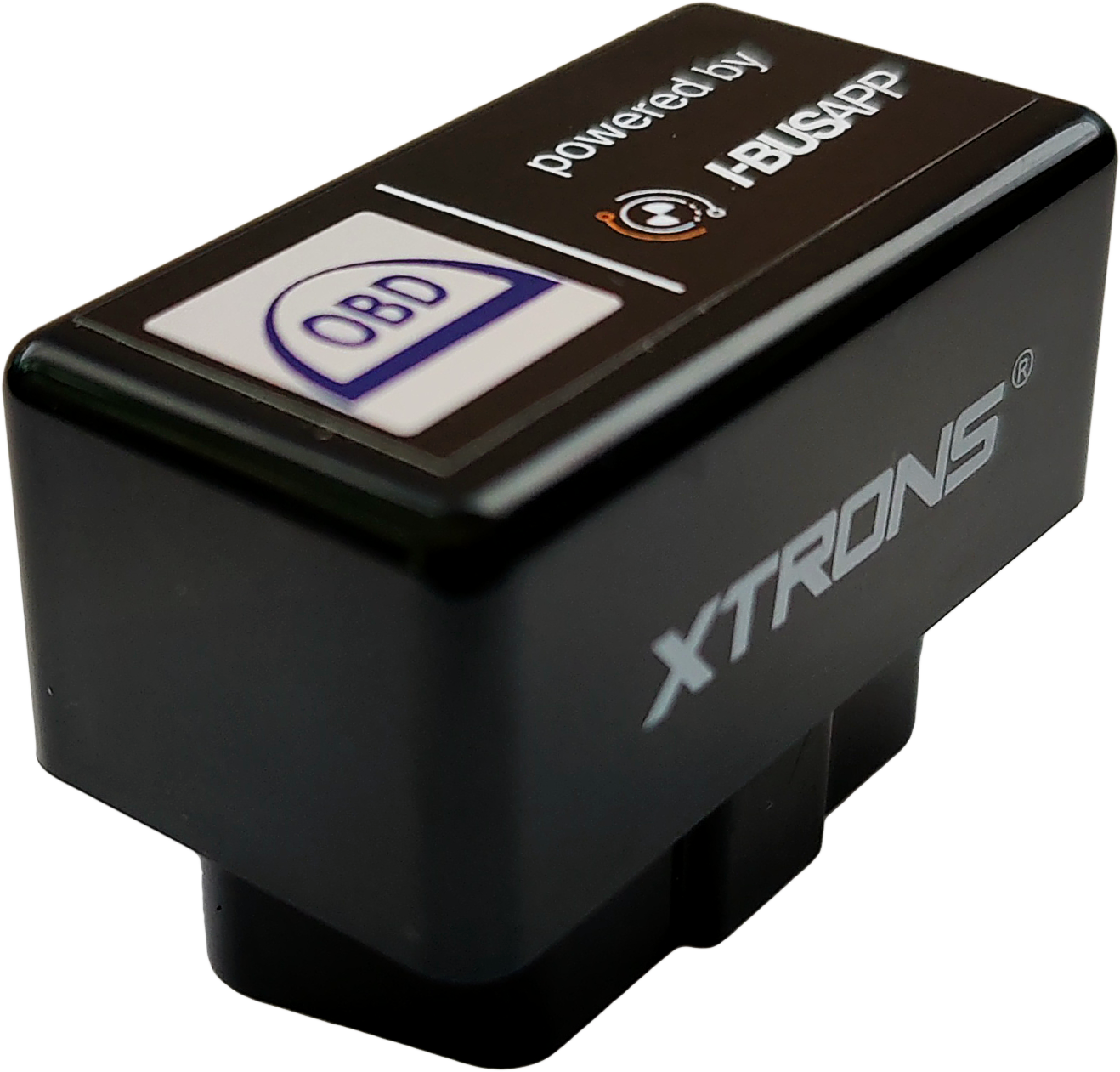
A paired Bluetooth Classic / SPP adapter with compatible smart-adapter firmware uses the existing binary protocol. Stock ELM firmware is a different connection mode.
Pair the adapter in Android settings and allow Nearby devices access. Choose Automatic. Firmware must support the compatible binary K-line / D-CAN transport.
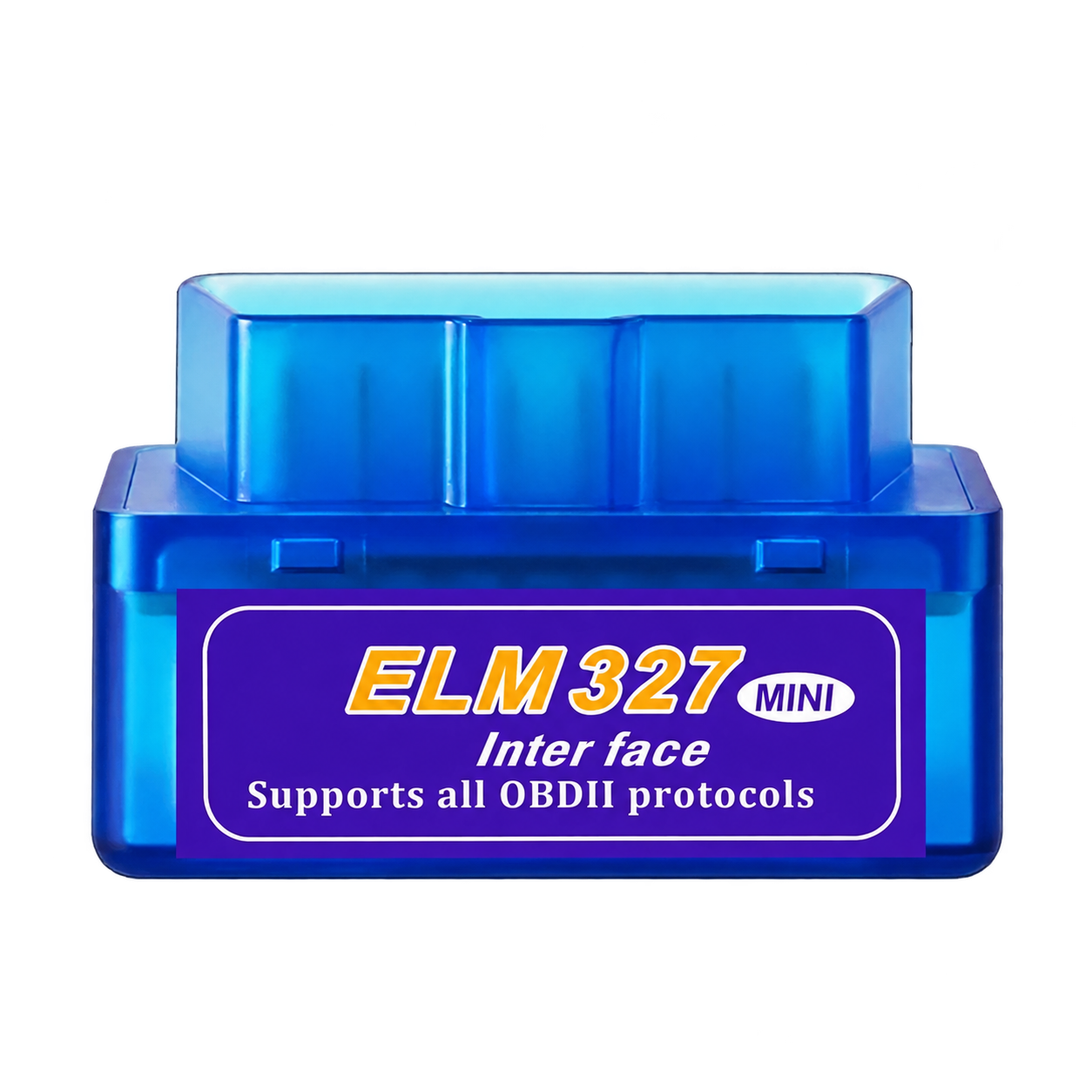
Diagnostics and Live · K-line
The ELM mode uses AT commands for the supported K-line diagnostic path. It provides fault reading and clearing, identification and Live. ECU flashing and active service tests are unavailable in this mode.
Choose ELM327 Wi-Fi or ELM327 Bluetooth in Adapter settings. For Wi-Fi, join its network and enter its IP and port (often 192.168.0.10:35000). For Bluetooth, pair and select the adapter; Android only.
Compatibility depends on the adapter protocol and firmware, and on the connected ECU. Images show examples of adapter and connector types; appearance may vary.
| Adapter | Android | iPhone / iPad | Fault diagnostics | Live | ECU read / write |
|---|---|---|---|---|---|
| Wi-Fi Link | ✓ | ✓ | ✓ | ✓ | ✓ |
| K+DCAN cable + USB-C adapter | ✓ | — | ✓ | ✓ | ✓ |
| Bluetooth · compatible Deep OBD firmware | ✓ | — | ✓ | ✓ | ✓ |
| ELM327 · Wi-Fi or Bluetooth | ✓ | Wi-Fi | ✓ | ✓ | — |
Fault reading and clearing are free. Live and extended diagnostics require Live + Diag Pro. Reading and writing your own files require Flasher; ready-made stages require OTS. Super includes both. Adapter support does not expand ECU coverage.
BLE, ENET and ELM CAN are not supported by the current connection modes. An ELM327 v1.5 label alone does not establish compatibility. Replacing an ELM adapter’s firmware requires compatible hardware and a separate procedure.
Four steps to get oriented. Check compatibility before buying a license.
Create an account and use it in the app. Add the full vehicle VIN for Flasher or OTS; Pro can be purchased without adding a vehicle.
Plug it into OBD and switch on the ignition. Connect Wi-Fi or pair Bluetooth in phone settings; USB uses a compatible cable.
Choose the matching adapter mode in RSDiag. Check the identified vehicle and control unit, then read the faults.
Basic fault diagnostics are free. Buy Pro for all supported vehicles on your account, or Flasher and OTS for a VIN. Keep the original backup before changing calibration.
Live + Diag Pro belongs to your account and covers all supported vehicles, including new connections. Flasher and OTS Stages apply only to the purchased VIN. Super includes Flasher and OTS for one VIN and Pro for all supported vehicles.
After purchase, sign in to the same account in the app with internet access. Pro is activated for the account; vehicle products are matched to the connected VIN. No activation codes are needed.
The case or brand is not enough: the protocol and firmware matter. ELM327 mode supports the available K-line diagnostics and Live, but not ECU flashing. Check the interface comparison above.
Check the ignition, the selected Wi-Fi network or Bluetooth pairing, app permissions and adapter mode. For ELM Wi-Fi, check its IP and port. If it still fails, send support the model, firmware and connection log.
Send us the BMW model, year, VIN and adapter details. We will help you check the setup before purchase.